
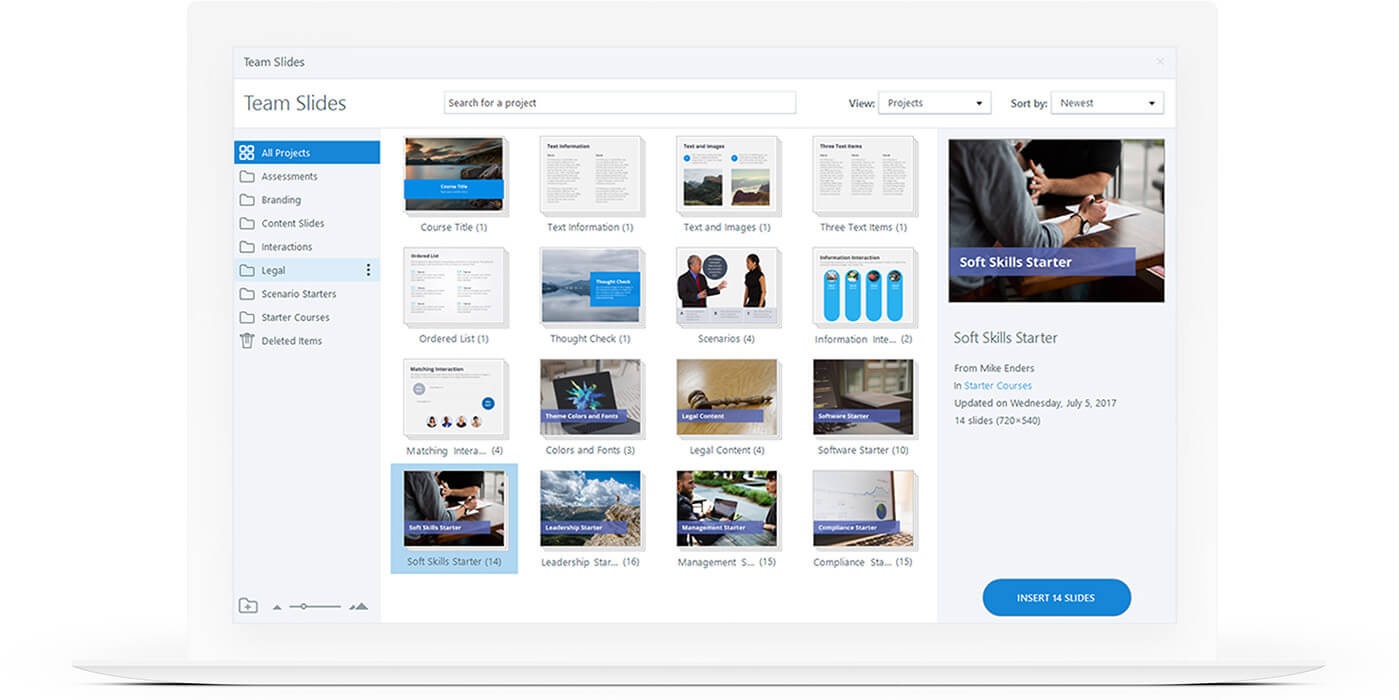
Articulate Storyline is an authoring tool used to create online e-learning courses. It allows users to create e-learning courses which can be delivered to a number of devices. It makes use of a block editing format where users fill blocks with content and connect them to each other.
Key features of Articulate Storyline include:
- Audio-animation synchronization
- Closed Captioning
- Slide Layers
- Multi device compatibility
- HTML5 and CSS3 support
Recently I’ve had the opportunity to become acquainted with this software. As part of my coursework for a college module I’m expected to create a digital learning resource. While we’ve been given the option to use any software of our choice, I’ve decided to choose Storyline. A major reason behind this choice is that our course were given a workshop in how to use Adobe Articulate. Speakers visited us from a company called Novitas and delivered a presentation that showed the uses of Articulate. Storyline was one of the applications talked about in this presentation and I got a good idea of what it was about. I learned about its key features and how these could be used to create high quality e-learning courses. I therefore decided that it would be best to use Storyline, as there is no point trying to learn another software package that I know nothing about. It also seems that most jobs in e-learning require some knowledge of articulate. If I am to get a job in the field of e-learning in a few months time it’s essential that I learn how to use it. It will also look good if I can produce an example of an e-learning course created with articulate. At the end of the semester I will be creating an e-portfolio that I can show to future employers. Therefore using adobe articulate will benefit both my college grades and career opportunities. They sound like pretty good reasons for becoming an articulate master!
 reflective Learning Blog